On this page
An MCP server is an API whose main consumer is a language model. That makes breaking changes stranger than usual: a client never throws a type error, the model just starts calling a tool slightly wrong.
Why schema drift is easy to miss
A server author renames a parameter from query to search_text, or makes an optional field required. Nothing fails at deploy time. The tool list is fetched at runtime, so every client picks up the new schema on its next connection. Agents that were working yesterday now pass the old argument names and get validation errors, or worse, silently ignored input.
We kept seeing three kinds of change cause trouble:
- A tool was renamed or removed.
- A parameter changed type, or became required.
- A description changed enough to alter when a model chooses the tool.
What Proxar compares
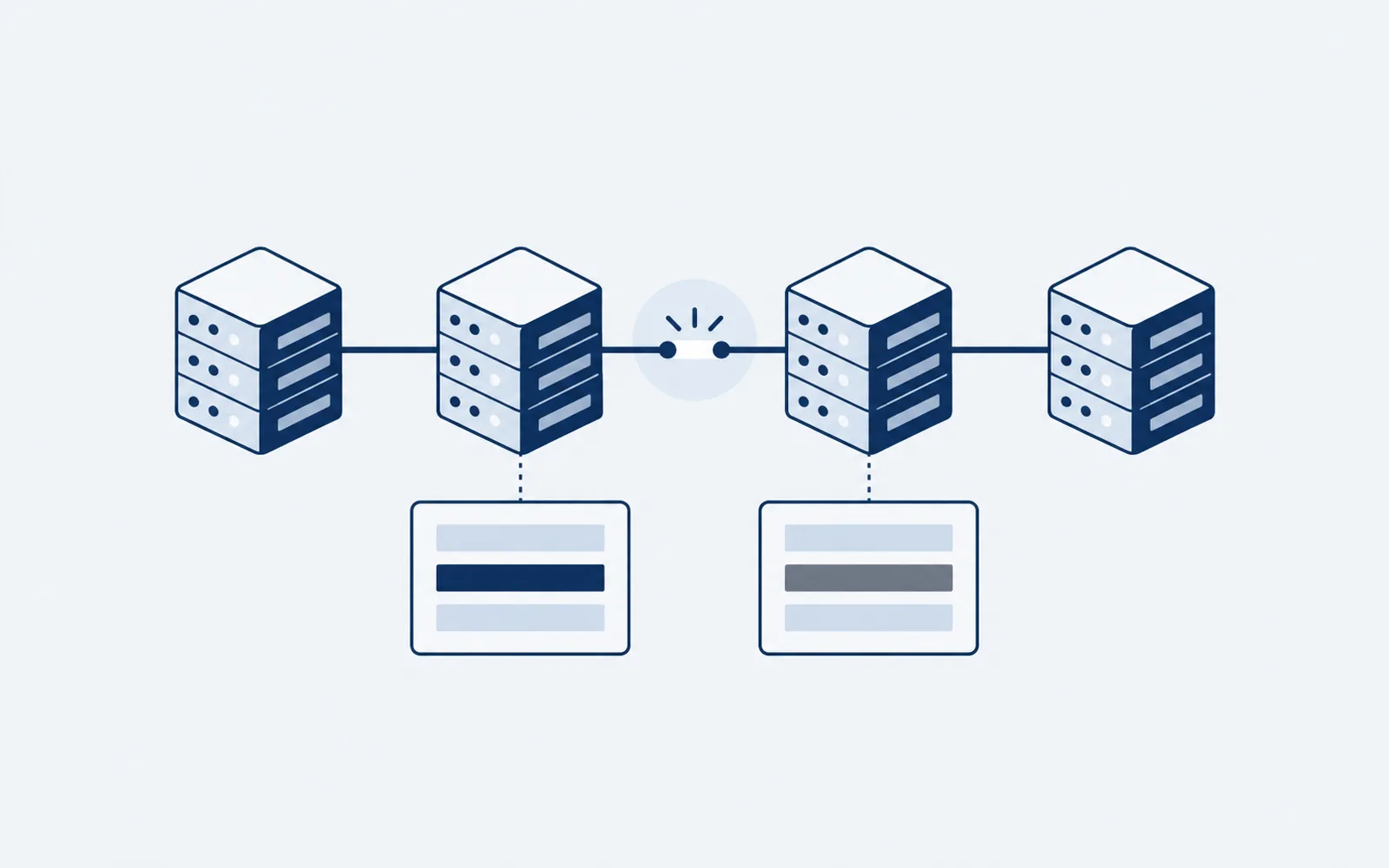
Proxar snapshots the tools/list response from each server it sits in front of and stores it with a content hash. When the hash changes, it diffs the two snapshots tool by tool.
{
  "name": "search_issues",
  "inputSchema": {
    "type": "object",
    "properties": {
      "query": { "type": "string" },
      "limit": { "type": "integer" }
    },
    "required": ["query"]
  }
}
The diff walks the JSON Schema of each tool, not the raw text, so reordering keys or reformatting never counts as a change.
Deciding what is breaking
We use a deliberately conservative rule set, in the same spirit as semantic versioning for libraries.
Breaking
Removing a tool, removing a parameter, adding a required parameter, narrowing a type (for example string to an enum), or tightening a constraint such as maxLength.
Compatible
Adding a tool, adding an optional parameter, widening a type, or loosening a constraint.
Needs a human
Description changes. We cannot tell whether a reworded description changes model behaviour, so Proxar flags it as a notice rather than a break and shows the old and new text side by side.
What it does with the result
A breaking diff does not block traffic by default. It raises an alert with the exact path that changed, for example search_issues.inputSchema.required, and you can choose to pin the previous snapshot while you update your agents.
# compare the pinned snapshot with what the server reports now
proxar diff --server issues-mcp --against pinned
What we still get wrong
Semantic changes behind an unchanged schema are invisible to us. If a tool starts returning results sorted differently, the schema is identical and the diff is empty. We would rather say so than pretend a schema check covers it. Response sampling is on the list, and we will write it up when it works.
Found this useful? Share it with your team.
Share on LinkedInRelated product
Proxar
Developer Tools
API change intelligence for MCP servers. Know when an API you depend on changes, before it breaks.